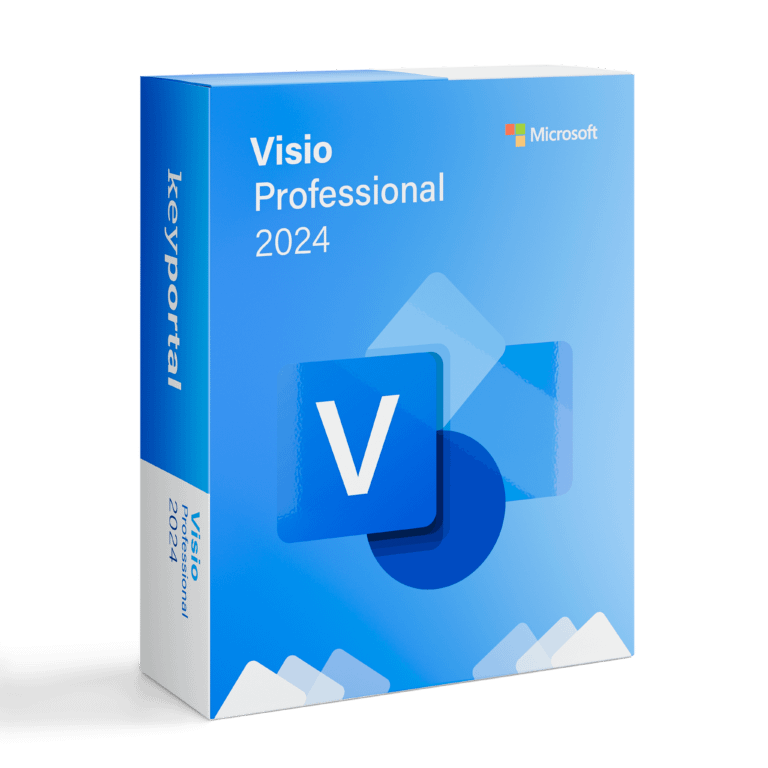
Microsoft Visio Professional 2024 Cd Key Global

Original price was: $49.90.Current price is: $30.90.


Share it:

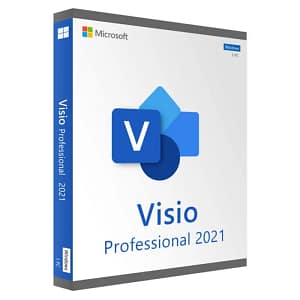
Microsoft Visio Professional 2024

Microsoft Visio Professional 2024 is the next-generation diagramming software that helps businesses and professionals visualize, analyze, and optimize complex information and processes. With advanced features, Visio 2024 offers even greater flexibility, collaboration, and intelligence for creating professional diagrams.

Key Features:

  • Comprehensive Diagram Types: Design various diagrams including flowcharts, organizational charts, floor plans, network diagrams, business processes, and IT architectures.

  • Smart and Dynamic Shapes: Use enhanced intelligent shapes and ready-made templates for fast, accurate, and dynamic diagrams.

  • Advanced Data Connections: Connect diagrams directly to live data from sources like Microsoft Excel, SQL Server, Azure Active Directory, and more, with real-time updates.

  • Team Collaboration and Co-Authoring: Work simultaneously with colleagues on the same file through improved cloud integration, and share diagrams securely within or outside your organization.

  • Complexity Management and Visualization: Clearly present intricate processes, systems, and data structures for better decision-making.

  • Automation and AI Support: Automate repetitive tasks and leverage AI-driven insights to optimize workflows faster.

  • Seamless Integration: Full compatibility with Microsoft 365 apps including Word, Excel, PowerPoint, and Teams. Cloud-based storage options enable easier access and collaboration.

System Requirements:

To optimally use Visio Professional 2024, the following minimum system requirements apply:

  • Operating System: Windows 11 or Windows 10 (with latest updates).

  • Processor: 1.8 GHz or faster, dual-core or better.

  • Memory (RAM): Minimum 4 GB RAM (8 GB recommended for heavy files).

  • Storage: Minimum 4 GB available disk space.

  • Graphics Card: DirectX 12-compatible GPU for enhanced graphics performance.

  • Display: Minimum 1280 x 800 pixel resolution (Full HD 1920 x 1080 recommended).

  • Internet Connection: Required for online features and product activation.
Follow the steps below to install and activate Microsoft Visio Professional for Windows.

The code is valid for 1 pc / 1 installation – if you uninstall/reinstall your office, you might need to buy a new code.


Step 1: Uninstall older versions of Visio

If you have a previous version of Visio installed, we recommend uninstalling it before continuing.


Step 2: Activate and download Visio


Step 1 – Go to this link: setup.office.com

Step 2 – Sign in with your microsoft account

Step 3 – Enter the product code and click redeem

Step 4 – Download the product

Step 3: Install Visio

Once the download is complete:

  1. Open the installation file.

  2. Follow the on-screen instructions to complete the installation.

    After launching the application, you’ll be prompted to use the code provided by us.

You’re all set! Visio is now ready to use.

After completing your purchase and verifying your order details and payment status, your software license key will be sent to you via email.

Thank you for your trust.

  • Will I get an invoice?
    Invoice will automatically generate upon placing an order.
  • Where can I find my invoice?
    Once your order is completed, you can download your invoice from your account dashboard:

My Account → Orders → View Order → Download Invoice (PDF).

  • Can I edit my invoice?
    Currently, you cannot do this yourself. Please contact our support via email at customersupport@licenses.thurayatec.com, and we will be glad to assist you with the matter. For a faster process, please include the order number and any relevant information you want to be shown (such as your name, ID/tax number, etc.).
  • Can I install this on macOS?
    No, this product does not support macOS, only compatible with Windows 10 and 11.
  • Can I redeem this product anywhere?
    Yes, this Product is a Global version.
  • Can I transfer this product to new hardware?
    No, The code is valid for 1 pc or 1 installation – if you uninstall or reinstall you might need to buy a new code.
  • Is there a specific way I need to install this product?
    Please read the ‘Activation’ tab.
  • What if I need a COA sticker for that product?
    The COA label print can be scanned and sent to you upon request, for an additional charge.


Reviews

There are no reviews yet.

Be the first to review “Microsoft Visio Professional 2024 Cd Key Global”

Your email address will not be published. Required fields are marked *