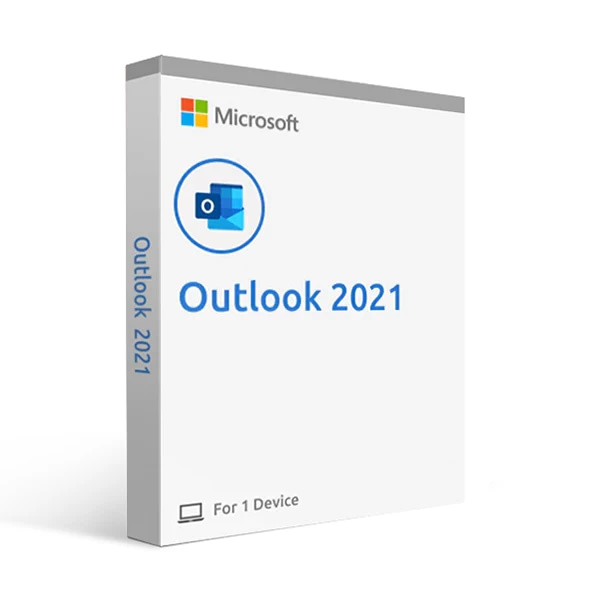
Microsoft Outlook 2021 is a powerful email and calendar application that allows users to manage their email, schedule, and contacts in one place. With Outlook 2021, users can easily send and receive emails, schedule appointments and meetings, and manage their contacts and tasks.
One of the key features of Outlook 2021 is its integration with other Microsoft products, such as Word and Excel. This allows users to easily create and edit documents and spreadsheets within Outlook, and share them with others. Outlook 2021 also includes a range of security features, such as protection against spam and malware, and support for encrypted email messages.
This guide explains how to install Microsoft Outlook 2021 and activate it with your product key.
Step 1: Remove older versions of Outlook
Before installing, we recommend uninstalling any previous versions of Microsoft Outlook from your computer.
Click the button for your preferred language to download the installation file.
Please note that you may receive a message about a dangerous file. In this case, click on the arrow to the right of the message and select Keep. This warning is because you are downloading with a direct link and is nothing to worry about.
If your language is not available, please contact our support team for assistance.
Once the file has finished downloading, double-click it to begin installation.
Follow the on-screen instructions to complete the setup.
Step 4: Activate Outlook 2021
Open Outlook after installation.
Enter your product key when prompted.
Click Activate to complete the activation via internet.
After completing your purchase and verifying your order details and payment status, your software license key will be sent to you via email.
Thank you for your trust.
Will I get an invoice? Invoice will automatically generate upon placing an order.
Where can I find my invoice? Once your order is completed, you can download your invoice from your account dashboard:
My Account → Orders → View Order → Download Invoice (PDF).
Can I edit my invoice? Currently, you cannot do this yourself. Please contact our support via email at customersupport@licenses.thurayatec.com, and we will be glad to assist you with the matter. For a faster process, please include the order number and any relevant information you want to be shown (such as your name, ID/tax number, etc.).
Can I install this on macOS? No, this product does not support macOS, only compatible with Windows 10 and 11.
Can I redeem this product anywhere? Yes, this Product is a Global version.
Can I transfer this product to new hardware? No, The code is valid for 1 pc or 1 installation – if you uninstall or reinstall you might need to buy a new code.
Is there a specific way I need to install this product? Please read the ‘Activation’ tab.
What if I need a COA sticker for that product? The COA label print can be scanned and sent to you upon request, for an additional charge.
Reviews
There are no reviews yet.
Be the first to review “Microsoft Outlook 2021 Retail 1PC Cd Key” Cancel reply
Related Products
SALE
-40%
$49.90Original price was: $49.90.$29.90Current price is: $29.90.




Reviews
There are no reviews yet.