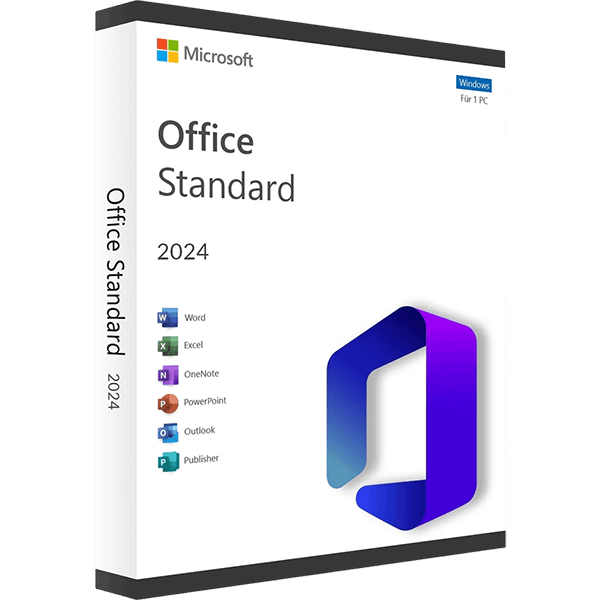
This is the LTSC version of Standard 2024. The main difference is that the LTSC version only receives security updates, while the regular (Retail) version will receive both security and feature updates.
Languages: All Languages | License Type: Lifetime for 1 PC | 32-bit & 64-bit Setup Files
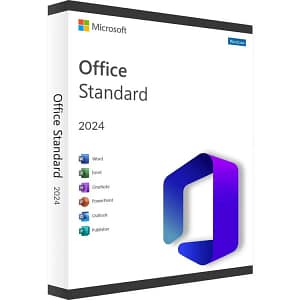
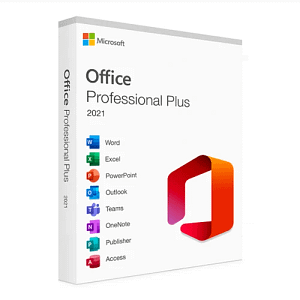
Microsoft Office Standard 2024 includes the most widely used Office applications for individuals and businesses. It contains Word, Excel, PowerPoint, Outlook, OneNote and the ability to store documents in OneDrive or locally on your computer. In Office 2024, you’ll find new co-authoring features, inking tools, data types, functions, translation and editing tools, motion graphics, ease-of-use features, and so much more!
Only for Windows 10 and Windows 11 PCs.
This guide shows how to install Office 2024 Standard on a Windows PC. The installation includes downloading, extracting, and activating the software with your product key.
Step 1: Remove older versions of Office
Step 2: Download and install Office 2024 Standard
Step 3: Activate Office
About the Installation File
After completing your purchase and verifying your order details and payment status, your software license key will be sent to you via email.
Thank you for your trust.
- Will I get an invoice?
Invoice will automatically generate upon placing an order.
- Where can I find my invoice?
Once your order is completed, you can download your invoice from your account dashboard:
My Account → Orders → View Order → Download Invoice (PDF).
- Can I edit my invoice?
Currently, you cannot do this yourself. Please contact our support via email at customersupport@licenses.thurayatec.com, and we will be glad to assist you with the matter. For a faster process, please include the order number and any relevant information you want to be shown (such as your name, ID/tax number, etc.).
- Can I install this on macOS?
No, this product does not support macOS, only compatible with Windows 10 and 11.
- Can I redeem this product anywhere?
Yes, this Product is a Global version.
- Can I transfer this product to new hardware?
No, The code is valid for 1 pc or 1 installation – if you uninstall or reinstall you might need to buy a new code.
- Is there a specific way I need to install this product?
Please read the ‘Activation’ tab.
- What if I need a COA sticker for that product?
The COA label print can be scanned and sent to you upon request, for an additional charge.





Reviews
There are no reviews yet.