Microsoft Office 2024 Home Cd Key Global-Windows/MacOS

Original price was: $199.90.Current price is: $142.60.


Share it:

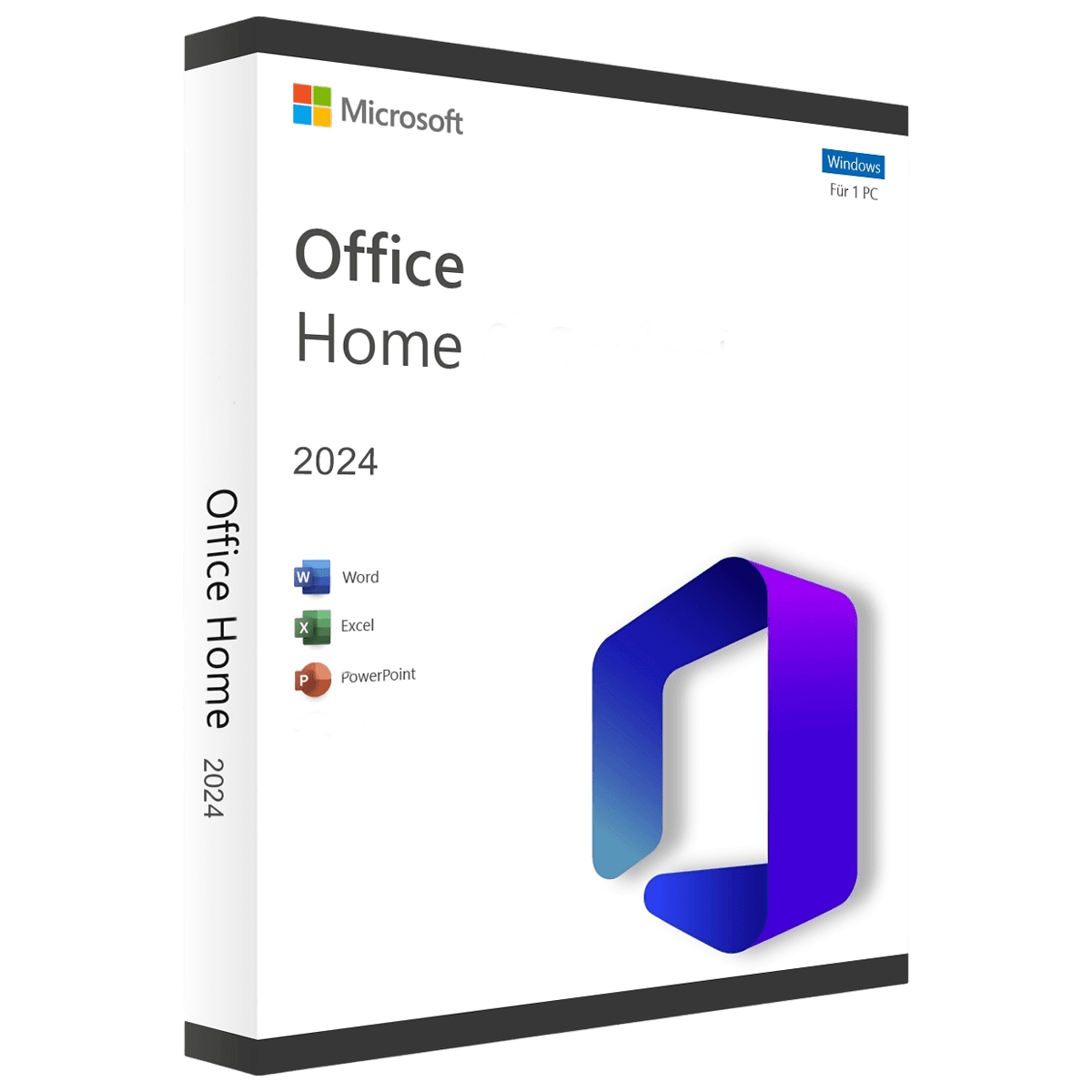
Microsoft Office 2024 Home – The ideal choice for personal use – for macOS and Windows


Microsoft Office 2024 Home is the latest version of Microsoft Office, specifically designed for home users, families and students working on macOS or Windows. This powerful suite provides all the essential tools needed to create documents, design presentations and manage data efficiently — all through a one-time purchase without subscription fees.

Mac: Office for Mac is supported on the three latest versions of macOS.

pc: For windows 10 and 11 versions.

When purchasing this product, please specify your operating system type (Windows or Mac) in the “Product Notes” field on the checkout page.

Included Applications:
Microsoft Office 2024 Home includes the following essential applications:

Microsoft Word: For creating and editing text and document files.
Microsoft Excel: For processing and analyzing data and creating spreadsheets.
Microsoft PowerPoint: For designing clear and engaging presentations.
Microsoft OneNote: For creating and organizing digital notes.

Features and Benefits:

Essential Tools for Home Use: With Word, Excel, PowerPoint and OneNote, you have all the core applications required for schoolwork, studies and personal projects.

New Features and Enhancements: Office 2024 Home includes modern optimizations that deliver faster performance, an updated interface, improved accessibility options and better support for current file formats.
Excel introduces new functions such as FILTER, SORT, UNIQUE, XLOOKUP and XMATCH, along with enhanced charts and templates. Word and PowerPoint include improved collaboration features, more modern design options and smarter formatting tools. OneNote offers faster synchronization and more advanced formatting options.

Compatibility: Office 2024 Home is fully compatible with previous Office versions, allowing you to open and edit existing documents without any issues. Integration with OneDrive enables you to store your files securely in the cloud and access them from any location.

System Requirements macOS:
Operating System: The 2 most recent versions of macOS.
Processor: Apple Silicon (M-series) or Intel processor.
Memory (RAM): Minimum of 4 GB RAM.
Hard Drive: At least 10 GB of free disk space.
Display: Resolution of at least 1280 × 800 pixels.

System Requirements Windows:
Operating System: Windows 10 or Windows 11.
Processor: 1.6 GHz or faster, 2-core (64-bit).
Memory (RAM): Minimum of 4 GB RAM.
Hard Drive: At least 10 GB of free disk space.
Display: Resolution of at least 1280 × 768 pixels.
The code is valid for 1pc/1 installation and will stay active forever. if you uninstall/reinstall you might need to buy a new code. it does not expire.

Step 1: Uninstall older Office versions

Before you begin, we recommend uninstalling any previous Office versions from your computer to avoid activation or installation issues.


Step 2: Activate and download Office

Click the button below to start the activation process:

  1. Sign in with your Microsoft account (or create one if needed).

  2. Enter your product key when prompted.

  3. Follow the instructions to associate the license and download Office.


Step 3: Install Office

Once the download is complete:

  1. Open the installation file.

  2. Follow the instructions on screen to finish the setup.

Note: The installer may be labeled as Microsoft 365. This is normal — it’s a shared setup file. After installation and activation, you’ll have the correct Office 2024 Home edition linked to your Microsoft account.


Step 4: Confirm activation

To verify that Office is activated:

  1. Open Microsoft Word.

  2. Click Account at the bottom left corner.

  3. You should see the activation status and the correct version listed.

After completing your purchase and verifying your order details and payment status, your software license key will be sent to you via email.

Thank you for your trust.

  • Will I get an invoice?
    Invoice will automatically generate upon placing an order.
  • Where can I find my invoice?
    Once your order is completed, you can download your invoice from your account dashboard:

My Account → Orders → View Order → Download Invoice (PDF).

  • Can I edit my invoice?
    Currently, you cannot do this yourself. Please contact our support via email at customersupport@licenses.thurayatec.com, and we will be glad to assist you with the matter. For a faster process, please include the order number and any relevant information you want to be shown (such as your name, ID/tax number, etc.).
  • Can I install this on macOS?
    Yes, this version is available for both Windows and Mac operating systems. If you require the Mac version, please indicate this in the “Product Notes” field on the checkout page.
  • Can I redeem this product anywhere?
    Yes, this Product is a Global version.
  • Can I transfer this product to new hardware?
    No, The code is valid for 1 pc or 1 installation – if you uninstall or reinstall you might need to buy a new code.
  • Is there a specific way I need to install this product?
    Please read the ‘Activation’ tab.
  • What if I need a COA sticker for that product?
    The COA label print can be scanned and sent to you upon request, for an additional charge.


Reviews

There are no reviews yet.

Be the first to review “Microsoft Office 2024 Home Cd Key Global-Windows/MacOS”

Your email address will not be published. Required fields are marked *