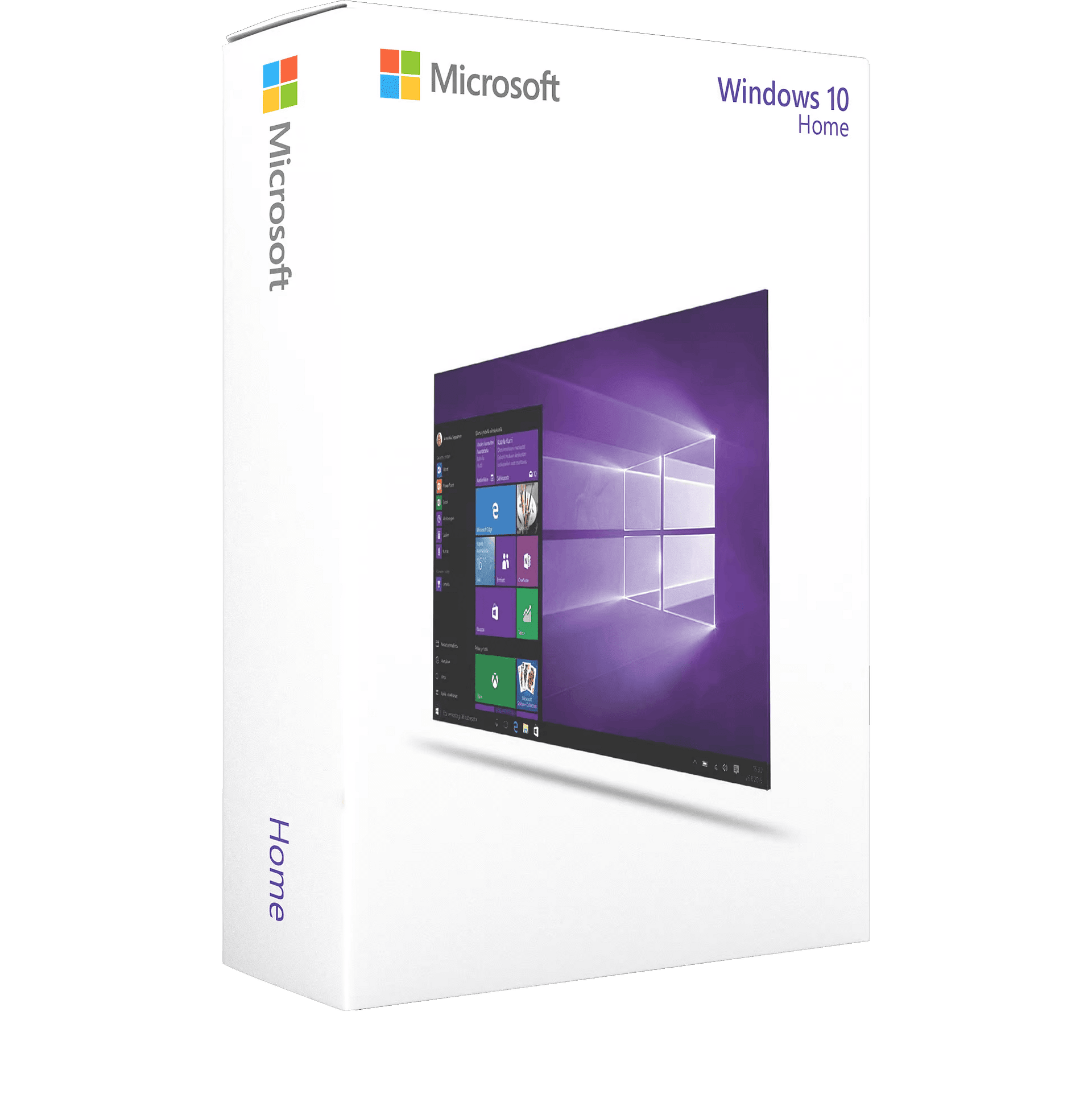
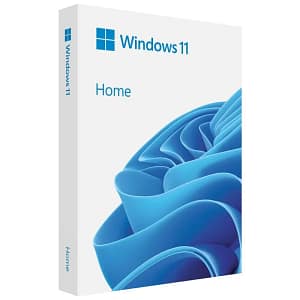
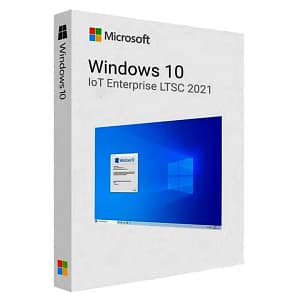
Experience Windows 10 Home: The Perfect Balance between Productivity and Fun
Introduction: Discover Windows 10 Home, the world’s most widely used operating system, designed for both work and play. With an intuitive interface and a comprehensive set of features, Windows 10 Home is the ideal choice for home users and small businesses.
Key Features:
- Familiar Start Menu: The familiar Start menu makes navigating and launching apps easy and fast.
- Cortana Digital Assistant: Ask Cortana to help you with tasks and information, hands-free and with voice recognition.
- Edge Browser: Experience faster and more secure web browsing with the Microsoft Edge browser.
- Built-in Security: Windows 10 Home includes built-in security features such as Windows Defender Antivirus to protect your PC.
Benefits: With Windows 10 Home, you can:
- Work on projects and documents with confidence and efficiency.
- Entertainment and relaxation with a rich multimedia experience.
- Store and organize your files and photos with OneDrive cloud storage.
Compatibility: Windows 10 Home is compatible with a wide range of PCs and devices, both older and newer models.
System requirements: To run Windows 10 Home, you need the following:
- Processor: 1 GHz or faster processor with at least 2 cores.
- Memory: 2 GB RAM or more.
- Storage: 20 GB free disk space.
- Graphics card: DirectX 9 or higher with a WDDM 1.0 driver.
- Display: A screen with a resolution of 800×600 or higher.
- Internet connection: Internet access is required for updates and certain features.
Use scenarios: Whether you are working on school projects, surfing online, sharing photos or enjoying your favorite movies and music, Windows 10 Home is the ideal companion for your daily tasks.
Installation and Configuration: Windows 10 Home is easy to install and configure. Follow the simple steps and you will be up and running in no time.
Support and Updates: Benefit from regular updates and access to Microsoft’s extensive support to ensure your PC keeps running smoothly.
We have included quick information, download links, and activation instructions here. For a more detailed guide, click the following link:
Activation Guide – Windows 10 Home & Pro
This key can be used again if OS is reinstalled/formatted only if you link it to your Microsoft account (we can send instructions).
Activation Instructions for Windows 10 Home Cd Key:
Download link: https://www.microsoft.com/en-us/software-download/windows10
In order to install the software on your PC, please follow the instructions here.
In case of an issue with activating your Windows key, please use one of the methods:
Method 1:
After Windows installation
1. Go to “Settings”
2. Select “Update & Security”
3. Find “Activation”
4. Select “Activate” or “Change Product Key”
5. Enter your windows product key
Method 2:
- Click on ”Start” icon , then open ”Settings”, choose ”Update & security”, and then select ”Activation”.
- Choose the ”Activate by phone” option.
- Click the drop-down menu, select your country, and then click ”Next”.
- Call the Toll free number and follow instructionsto generate confirmation ID to activate your Windows.
Method 3:
- Press and hold “Windows” key and press “R” on your keyboard.
- Type “SLUI 4”in the window that pops up and press enter.
- Click the drop-down menu, select your countryand then click Next.
- Call the Toll free number and follow instructionsto generate confirmation ID to activate your Windows.
More information regarding phone activation can be found here.
After completing your purchase and verifying your order details and payment status, your software license key will be sent to you via email.
Thank you for your trust.
- Will I get an invoice?
Invoice will automatically generate upon placing an order.
- Where can I find my invoice?
Once your order is completed, you can download your invoice from your account dashboard:
My Account → Orders → View Order → Download Invoice (PDF).
- Can I edit my invoice?
Currently, you cannot do this yourself. Please contact our support via email at customersupport@licenses.thurayatec.com, and we will be glad to assist you with the matter. For a faster process, please include the order number and any relevant information you want to be shown (such as your name, ID/tax number, etc.).
- Can I install this on macOS?
No, this product does not support macOS, only compatible with Windows 10 and 11.
- Can I redeem this product anywhere?
Yes, this Product is a Global version.
- Can I transfer this product to new hardware?
No, The code is valid for 1 pc or 1 installation – if you uninstall or reinstall you might need to buy a new code.
- Is there a specific way I need to install this product?
Please read the ‘Activation’ tab.
- What if I need a COA sticker for that product?
The COA label print can be scanned and sent to you upon request, for an additional charge.




Reviews
There are no reviews yet.