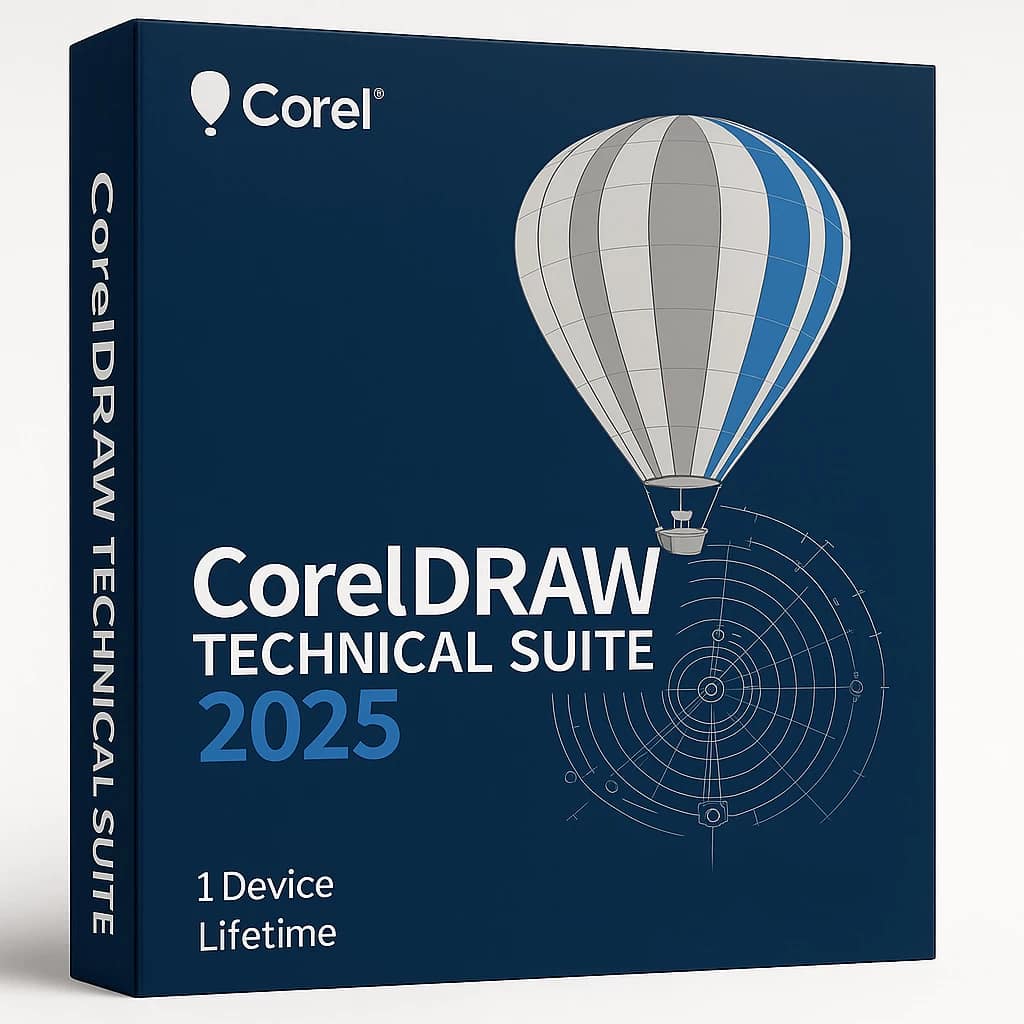
CorelDRAW Technical Suite 2025 For Windows
Available Languages: EN, FR, DE, JA
Please note: This is a one-time purchase license with no recurring fees; updates and upgrades are not included.
Note: You cannot link this license to a personal account or log into an account while using the software, as the license is tied exclusively to your system or device.
- CorelDRAW Technical Suite 2025 (Windows) is a robust collection of tools tailored for professional technical design, precise documentation, and creating detailed technical illustrations.
Key Features
- Purpose-built for technical illustration with features such as Focus Mode, Variable Outline, precise scaling tools, interactive spare parts pages, projection bookmarks, and advanced perspective and projection drawing tools.
- Includes specialized callout, hotspot, and halo tools for creating annotations and interactive diagrams.
- Supports both technical and marketing graphics from 3D, offering 3D model import, pixel-perfect workflows, and technical projection features.
- Integrates powerful image editing capabilities like AI-powered upsampling, non-destructive bitmap effects, smart carving, color replacement, artifact removal, and interactive adjustment tools.
- Ensures style consistency with Corel Font Manager, variable fonts support, color harmonies, and advanced object style sets.
- Enables efficient asset access, supporting extensive file compatibility—AutoCAD DWG/DXF, advanced 3D CAD import (optional), AI-powered vectorization, and more.
- Publishes to technical communication standards (WebCGM, S1000D, 3D PDF, WordPress, interactive SVG) for broad compatibility and online/mobile deployment.
ACTIVATION INSTRUCTIONS:
Redeeming a CorelDRAW Technical Suite 2025 key is straightforward. Simply follow these steps:
1- After installation, select “I have a license key” If you have a registered account, log in and activate the key you received.
2- Download and install the software from the provided link HERE.
3- If you don’t have an account, please create one using the link provided HERE (Click sign in the top right corner)
After completing your purchase and verifying your order details and payment status, your software license key will be sent to you via email.
Thank you for your trust.
- Will I get an invoice?
Invoice will automatically generate upon placing an order.
- Where can I find my invoice?
Once your order is completed, you can download your invoice from your account dashboard:
My Account → Orders → View Order → Download Invoice (PDF).
- Can I edit my invoice?
Currently, you cannot do this yourself. Please contact our support via email at customersupport@licenses.thurayatec.com, and we will be glad to assist you with the matter. For a faster process, please include the order number and any relevant information you want to be shown (such as your name, ID/tax number, etc.).
- Can I install this on macOS?
No, this product does not support macOS, only compatible with Windows 10 and 11.
- Can I redeem this product anywhere?
Yes, this Product is a Global version.
- Can I transfer this product to new hardware?
No, The code is valid for 1 pc or 1 installation – if you uninstall or reinstall you might need to buy a new code.
- Is there a specific way I need to install this product?
Please read the ‘Activation’ tab.
- What if I need a COA sticker for that product?
The COA label print can be scanned and sent to you upon request, for an additional charge.






Reviews
There are no reviews yet.