


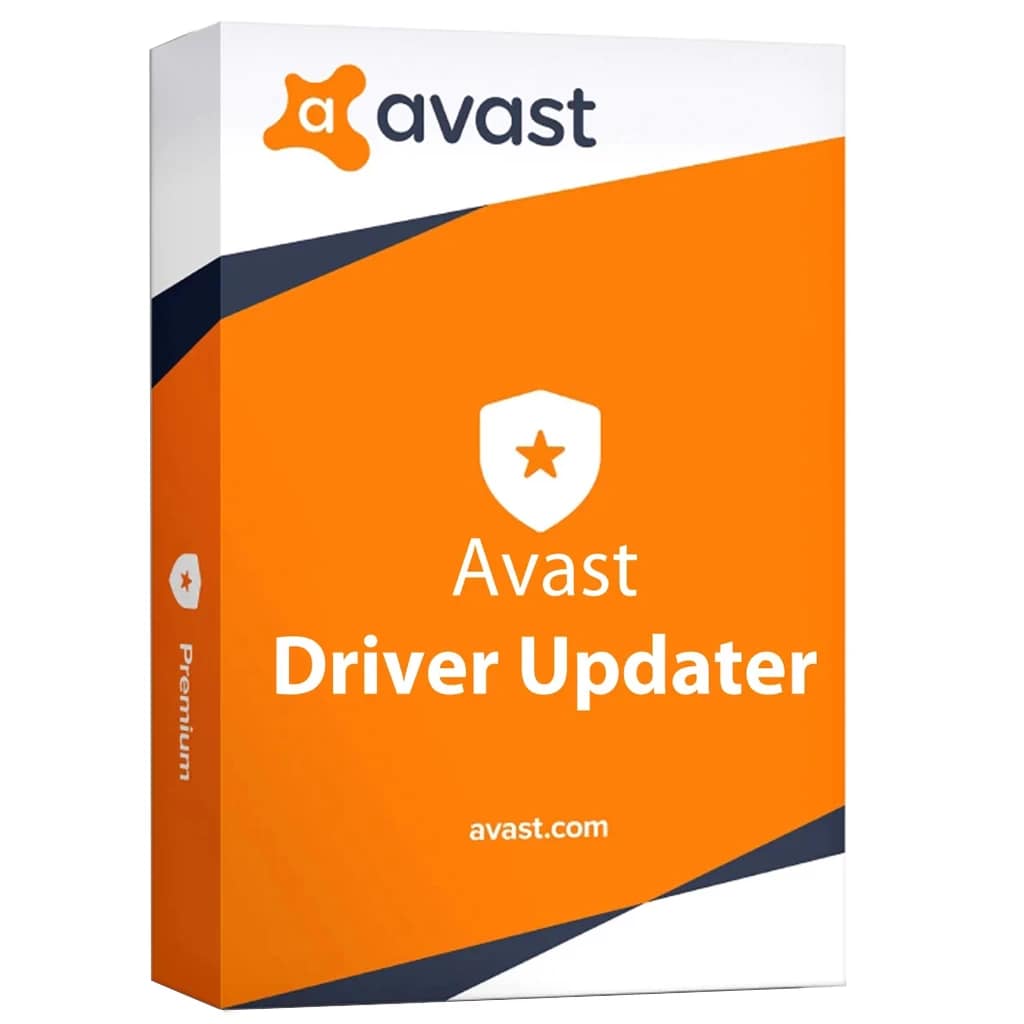

Avast Driver Updater – 1 User – 1 Year
Compatibility: Designed for Windows.
Keeping your drivers up to date is part of the mandatory maintenance you must perform on your computer. Not only that outdated drivers pose security risks, but they can also make your computer run slower. Whether you choose to perform manual updates or use a third-party software solution to take care of the update automatically, updating device drivers is important.
Manual driver updates can be tedious and frustrating and, therefore, you might want to opt for a dedicated utility to help you make sure the latest versions of drivers are installed on your machine. One such tool is Avast Driver Updater, which provides a fast, secure and simple method to download and install drivers without having to look them up yourself.
Get a list of outdated drivers
Once Avast Driver Updater is installed and launched, you can start a new driver analysis. During the scan, the application targets outdated, broken and corrupt drivers. The scan results are displayed within the main window, along with the total number of drivers and the number of outdated ones. The issues that require your attention are shown in a list, where you can see the driver’s name and the corresponding device, as well as a comparison between the installed and the newest available version.
Why use a driver updater?
There are two major advantages when working with an automatic driver updater, such as Avast Driver Updater. First, you don’t have to search for the driver packages yourself, as the application does that itself, making sure that you download and install the latest driver versions. Secondly, you can perform updates for installed drivers in batch, meaning you select the outdated items and configure the application to download and deploy updates on its own, without your intervention.
Update your drivers with ease
Avast Driver Updater helps you make sure that all your drivers are kept up-to-date. It promises to scan and fix all kinds of drivers, all to ensure smoother audio and video performance and normal system behavior, reduce crashes and errors.






Reviews
There are no reviews yet.