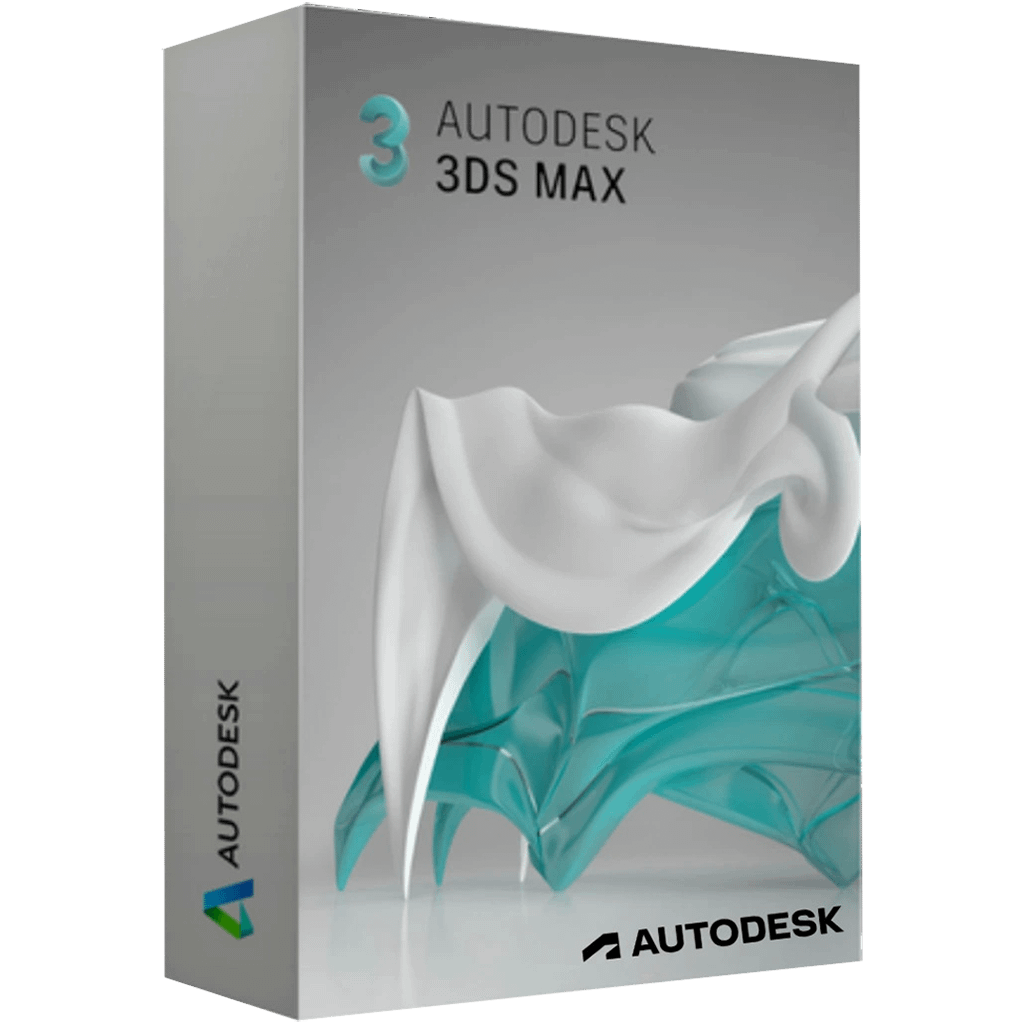
Autodesk 3ds Max 2026
Note: You cannot link this license to a personal account or log into an account while using the software, as the license is tied exclusively to your system or device.
What is Autodesk 3ds Max?
Autodesk 3ds Max professional 3D modeling, rendering, and animation software enables you to create expansive worlds and premium designs.
Breathe life into environments and landscapes with robust modeling tools.
Create finely detailed designs and props with intuitive texturing and shading tools.
Iterate and produce professional-grade renders with full artistic control.
Create realistic 3D designs with powerful tools
Whether you’re building expansive gaming worlds or visualizing intricate architectural designs, 3ds Max has the modeling toolset you need to bring your 3D assets to life.
Produce high-quality renders
From light mixing to color correction, the built-in Arnold renderer provides a rich experience and handles your most complex characters, scenes, visualizations, and effects.
Activation Instruction For Autodesk 3ds Max 2026 For Windows:
Autodesk 3ds Max 2026 For Windows Please note: Download and install files from both given links below, then start installation,
if you download file from one link and leave the other one then software will not be installed.
Multi Download link 1: Here
Multi Download link 2: Here
After completing your purchase and verifying your order details and payment status, your software license key will be sent to you via email.
Thank you for your trust.
- Will I get an invoice?
Invoice will automatically generate upon placing an order.
- Where can I find my invoice?
Once your order is completed, you can download your invoice from your account dashboard:
My Account → Orders → View Order → Download Invoice (PDF).
- Can I edit my invoice?
Currently, you cannot do this yourself. Please contact our support via email at customersupport@licenses.thurayatec.com, and we will be glad to assist you with the matter. For a faster process, please include the order number and any relevant information you want to be shown (such as your name, ID/tax number, etc.).
- Can I install this on macOS?
No, this product does not support macOS, only compatible with Windows 10 and 11.
- Can I redeem this product anywhere?
Yes, this Product is a Global version.
- Can I transfer this product to new hardware?
No, The code is valid for 1 pc or 1 installation – if you uninstall or reinstall you might need to buy a new code.
- Is there a specific way I need to install this product?
Please read the ‘Activation’ tab.
- What if I need a COA sticker for that product?
The COA label print can be scanned and sent to you upon request, for an additional charge.







Reviews
There are no reviews yet.