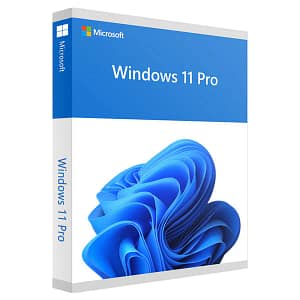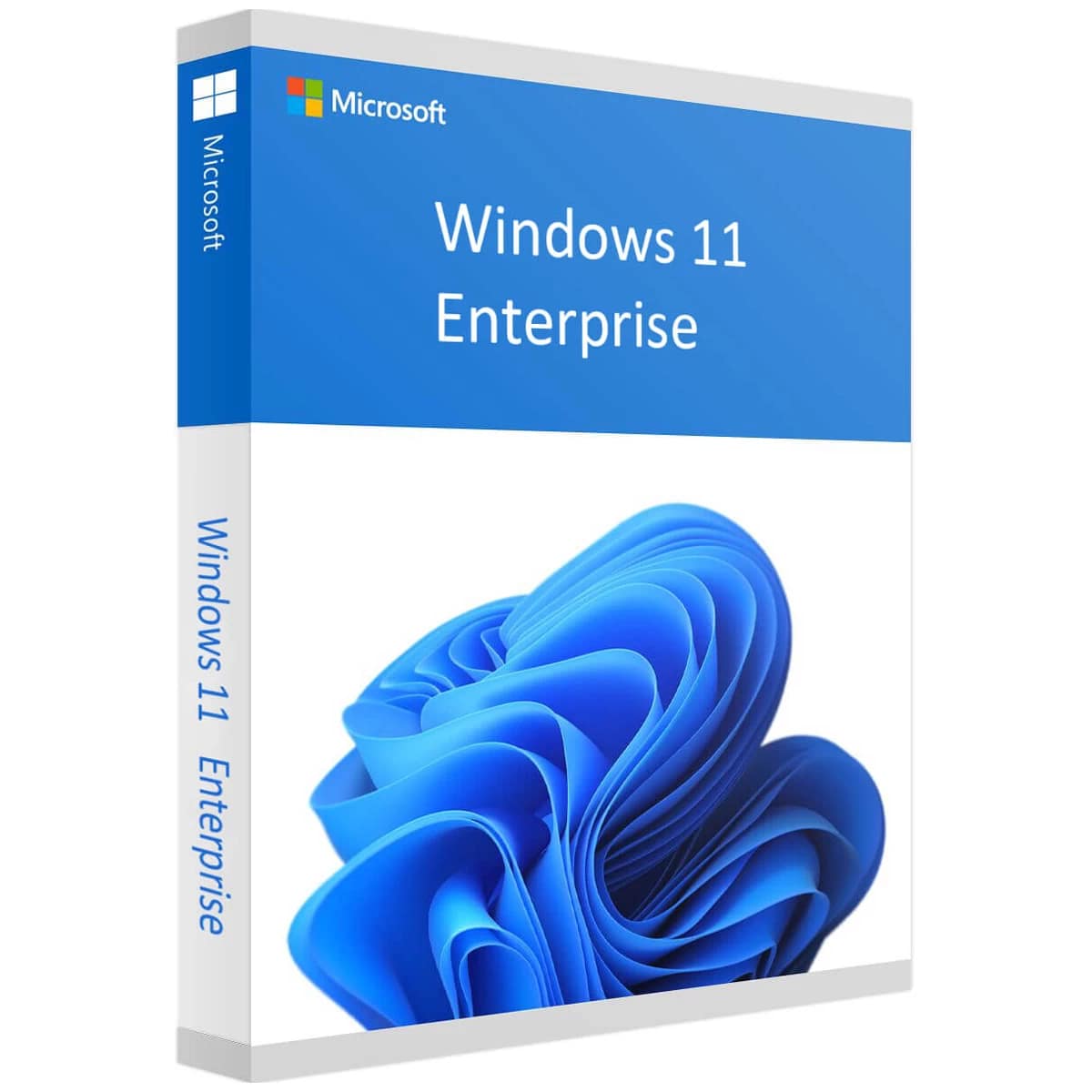
Windows 11 Enterprise Cd Key Retail Microsoft Global

Original price was: $89.90.Current price is: $12.40.


Share it:

Experience Windows 11 Enterprise: Innovation, Security, and Productivity in One


Discover Windows 11 Enterprise, the latest operating system designed to meet the growing needs of modern businesses. With its refined user experience, advanced security features, and seamless integration with cloud services, Windows 11 Enterprise offers a leading-edge solution for organizations striving for greater efficiency and security.

New User Experience:
Windows 11 Enterprise introduces a refreshed user interface with a clean and intuitive design, enabling users to be more productive and multitask more effectively.

Enhanced Security:
Featuring tools like Windows Hello for Business and Microsoft Defender for Endpoint, Windows 11 Enterprise provides advanced protection against modern threats and cyberattacks.

Seamless Integration with Microsoft 365:
Windows 11 Enterprise offers effortless integration with Microsoft 365 services, including Microsoft Teams and OneDrive, empowering employees to collaborate and communicate efficiently.

Powerful Virtualization Options:
Windows 11 Enterprise supports advanced virtualization technologies such as Windows Subsystem for Linux and Hyper-V, allowing organizations to work and develop with greater flexibility.

With Windows 11 Enterprise, organizations can:

  • Benefit from an improved user experience and increased productivity.
  • Protect critical business data from threats and attacks.
  • Fully leverage cloud services and modern collaboration tools.
  • Work and develop flexibly with advanced virtualization capabilities.

Compatibility:
Windows 11 Enterprise is designed to run on a wide range of modern PCs and devices and is scalable for organizations of all sizes.

To run Windows 11 Enterprise, you need:

  • Processor: 1 GHz or faster processor with at least 2 cores.
  • Memory: 4 GB RAM or more.
  • Storage: 64 GB of free disk space.
  • Graphics: DirectX 12-compatible graphics card or newer.
  • Display: A screen with a resolution of 1366×768 or higher.
  • Internet connection: Internet access is required for updates and certain features.

Use Cases:
Whether promoting collaboration, safeguarding business data, or supporting flexible work environments, Windows 11 Enterprise delivers the functionality and innovation organizations need to thrive in an ever-evolving business landscape.

Deployment and Configuration:
Windows 11 Enterprise can be easily deployed and configured using tools like Windows Autopilot and Microsoft Endpoint Manager, enabling IT administrators to quickly roll out and manage new devices.

Support and Updates:
Windows 11 Enterprise receives regular updates and is backed by comprehensive technical support from Microsoft, ensuring organizations benefit from continuous improvements and security enhancements.
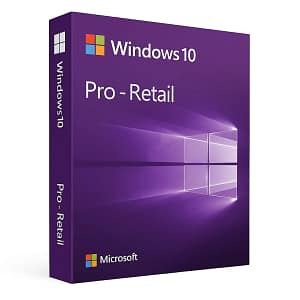
We have included quick information, download links, and activation instructions here. For a more detailed guide, click the following link:
Activation Guide – Windows 11 Enterprise

Activation Instructions for Windows 11 Enterprise Cd Key:

Download link: https://www.microsoft.com/software-download/windows11

In order to install the software on your PC, please follow the instructions here.

In case of an issue with activating your Windows key, please use one of the methods:

Method 1:

Download link: https://www.microsoft.com/software-download/windows11
Download the installation kit media creation tool on a bootable device like dvd or usb stick.
After Windows installation:

  1. Go to “Settings”
  2. Find “Activation”
  3. Select “Activate” or “Change Product Key”
  4. Insert the purchased key
  5. Windows 11 Pro is operational

Method 2:

  1. Click on ”Start” icon , then open ”Settings”, choose ”Update & security”, and then select ”Activation”.
  2. Choose the Activate by phone” option.
  3. Click the drop-down menu, select your country, and then click ”Next”.
  4. Call the Toll free number and follow instructionsto generate confirmation ID to activate your Windows.

Method 3:

  1. Press and hold “Windows” key and press “R” on your keyboard.
  2. Type “SLUI 4”in the window that pops up and press enter.
  3. Click the drop-down menu, select your countryand then click Next.
  4. Call the Toll free number and follow instructionsto generate confirmation ID to activate your Windows.

More information regarding phone activation can be found here.

After completing your purchase and verifying your order details and payment status, your software license key will be sent to you via email.

Thank you for your trust.

  • Will I get an invoice?
    Invoice will automatically generate upon placing an order.
  • Where can I find my invoice?
    Once your order is completed, you can download your invoice from your account dashboard:

My Account → Orders → View Order → Download Invoice (PDF).

  • Can I edit my invoice?
    Currently, you cannot do this yourself. Please contact our support via email at customersupport@licenses.thurayatec.com, and we will be glad to assist you with the matter. For a faster process, please include the order number and any relevant information you want to be shown (such as your name, ID/tax number, etc.).
  • Can I install this on macOS?
    No, this product does not support macOS, only compatible with Windows 10 and 11.
  • Can I redeem this product anywhere?
    Yes, this Product is a Global version.
  • Can I transfer this product to new hardware?
    No, The code is valid for 1 pc or 1 installation – if you uninstall or reinstall you might need to buy a new code.
  • Is there a specific way I need to install this product?
    Please read the ‘Activation’ tab.
  • What if I need a COA sticker for that product?
    The COA label print can be scanned and sent to you upon request, for an additional charge.


Reviews

There are no reviews yet.

Be the first to review “Windows 11 Enterprise Cd Key Retail Microsoft Global”

Your email address will not be published. Required fields are marked *