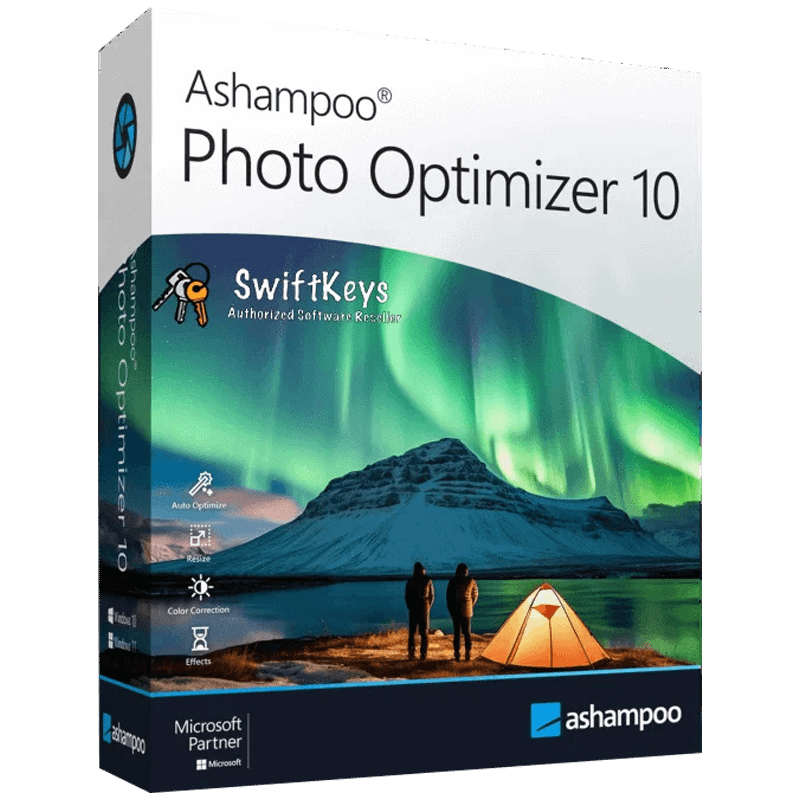
Ashampoo Photo Optimizer 10 For Windows
Ashampoo Photo Optimizer 10 is a powerful yet easy-to-use photo enhancement software designed to transform your images with a single click. Using advanced automatic optimization technology, it analyzes each photo and intelligently adjusts colors, exposure, contrast, and sharpness to deliver stunning, professional-quality results instantly. Whether you’re fixing vacation photos, product images, portraits, or everyday shots, Photo Optimizer 10 ensures your pictures look vibrant and perfectly balanced.
The software includes a wide range of tools such as red-eye removal, perspective correction, noise reduction, and natural skin tone adjustments for flawless portraits. You can also apply creative filters, fine-tune individual settings, and batch-process entire folders to save time. With its clean, intuitive interface and lightning-fast workflow, Ashampoo Photo Optimizer 10 is ideal for beginners and professionals who want beautiful photos without complicated editing steps. Make every image stand out effortlessly with this powerful optimization solution.
Activation Instructions for Ashampoo Photo Optimizer 10 For Windows License Key:
- Download the product from this LINK
- Install the software
- Use your license key to Activate.
After completing your purchase and verifying your order details and payment status, your software license key will be sent to you via email.
Thank you for your trust.
- Will I get an invoice?
Invoice will automatically generate upon placing an order.
- Where can I find my invoice?
Once your order is completed, you can download your invoice from your account dashboard:
My Account → Orders → View Order → Download Invoice (PDF).
- Can I edit my invoice?
Currently, you cannot do this yourself. Please contact our support via email at customersupport@licenses.thurayatec.com, and we will be glad to assist you with the matter. For a faster process, please include the order number and any relevant information you want to be shown (such as your name, ID/tax number, etc.).
- Can I install this on macOS?
No, this product does not support macOS, only compatible with Windows 10 and 11.
- Can I redeem this product anywhere?
Yes, this Product is a Global version.
- Can I transfer this product to new hardware?
No, The code is valid for 1 pc or 1 installation – if you uninstall or reinstall you might need to buy a new code.
- Is there a specific way I need to install this product?
Please read the ‘Activation’ tab.
- What if I need a COA sticker for that product?
The COA label print can be scanned and sent to you upon request, for an additional charge.



Reviews
There are no reviews yet.