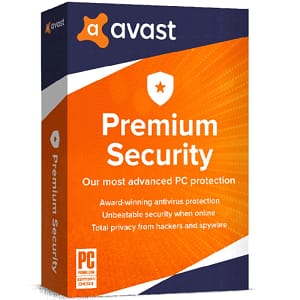
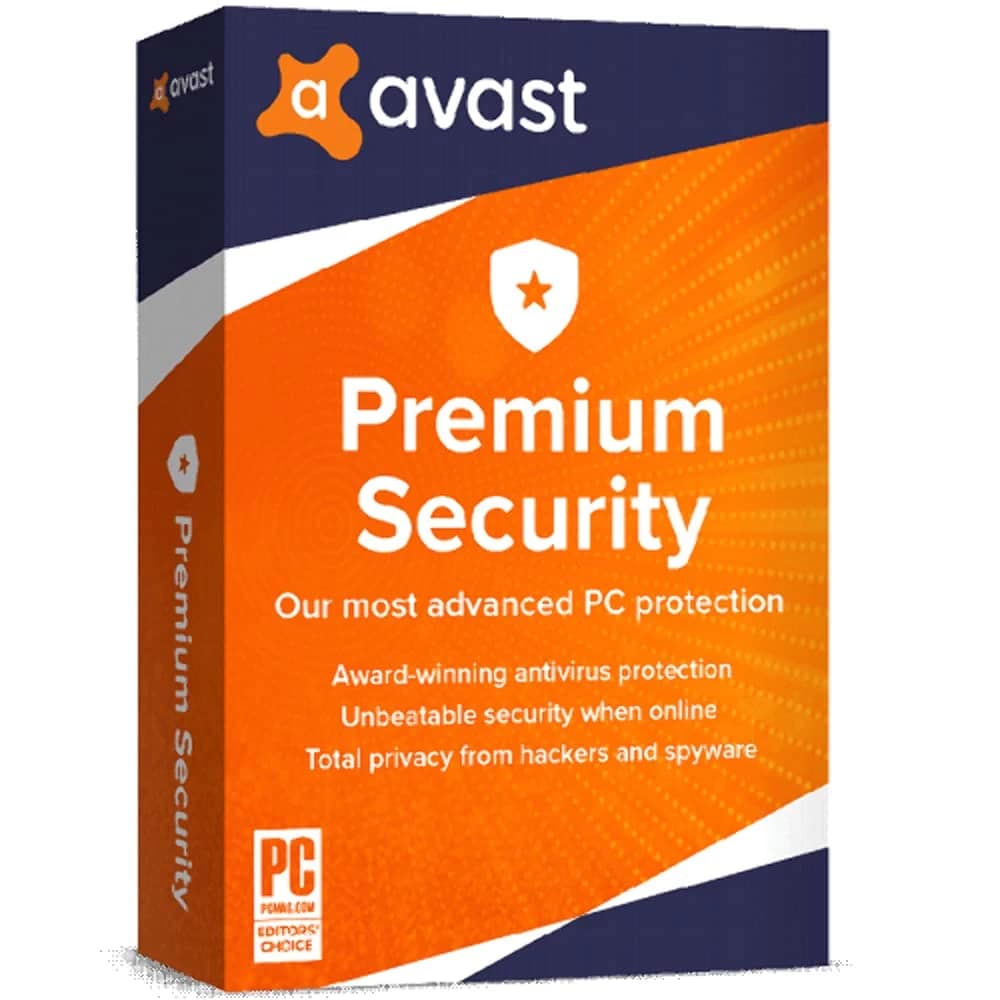
Avast Premium Security – 10 Users – 3 Year

Original price was: $54.90.Current price is: $39.20.


Share it:

Avast Premium Security – 10 User – 3 Year

Compatibility: Designed for Windows 7, 8, 8.1, 10, and 11.


Here’s what you get with Avast Premium Security

Avast Premium Security offers award-winning antivirus, plus protection against sophisticated scams, so you can relax knowing that you’re better protected.

Stay ahead of potential email scams

Connect Email Guard with just a few clicks on your Avast Premium Security. It flags potential email scams, phishing, and infected attachments before they get to you on Gmail, Outlook, and other popular email providers, no matter which computer you’re using.


Step 1

Install Avast Premium Security

Follow the on-screen instructions and set up the app.

Step 2

Open Email Guard in the app

Click or tap on Email Guard. Sign in to your Avast account, and then add up to five email accounts.

Step 3

We flag suspicious emails directly in your inbox

We let you know right away if any new emails in your inboxes look potentially dangerous.

Step 4

Keep your email inbox safer from online scams

We monitor your chosen email accounts 24/7 for possible scam emails.


Block scam SMS messages and scam calls

Get advanced, AI-powered scam protection that travels with you wherever you go. It works continuously to detect sophisticated phone and SMS scams, giving you advanced protection so you’ll always know when it’s safe to respond. With 24/7 protection, scammers will have a hard time getting through. You can answer with peace of mind, whether it’s loved ones or a delivery update.


Shop, bank, and pay online more safely

Avast Premium Security scans websites to make sure they’re legitimate, so you can better avoid fake websites trying to steal your information. Shop, bank, and pay more securely. Worry less about your financial credentials being compromised.
How to activate Avast Premium Security 10 Device 3 Year:

  1. Download the product from this LINK
  2. Install the software
  3. Use your license key in the pop-up window to Activate.

After completing your purchase and verifying your order details and payment status, your software license key will be sent to you via email.

Thank you for your trust.

  • Will I get an invoice?
    Invoice will automatically generate upon placing an order.
  • Where can I find my invoice?
    Once your order is completed, you can download your invoice from your account dashboard:

My Account → Orders → View Order → Download Invoice (PDF).

  • Can I edit my invoice?
    Currently, you cannot do this yourself. Please contact our support via email at customersupport@licenses.thurayatec.com, and we will be glad to assist you with the matter. For a faster process, please include the order number and any relevant information you want to be shown (such as your name, ID/tax number, etc.).
  • Can I install this on macOS?
    No, this version is not compatible with Mac operating systems.
  • Can I redeem this product anywhere?
    Yes, this Product is a Global version.
  • Can I transfer this product to new hardware?
    No, The code is valid for 1 pc or 1 installation – if you uninstall or reinstall you might need to buy a new code.
  • Is there a specific way I need to install this product?
    Please read the ‘Activation’ tab.
  • What if I need a COA sticker for that product?
    The COA label print can be scanned and sent to you upon request, for an additional charge.


Reviews

There are no reviews yet.

Be the first to review “Avast Premium Security – 10 Users – 3 Year”

Your email address will not be published. Required fields are marked *